
Image Generation Inside A Coding Tool Is Surprisingly Useful
Image Generation Inside A Coding Tool Is Surprisingly Useful
I used to treat Cursor strictly as a programming tool: writing code, editing documents, running scripts, and maintaining sites. Recently I realized it can also do something else rather conveniently: generate images.
That sounds strange at first. Why should an IDE agent care about images? But many engineering tasks are not purely code. Articles need hero images, product pages need visuals, READMEs need diagrams, project pages need covers, and internal tools sometimes need a decent default image.
The more interesting part is cost. In my own workflow, triggering image generation through Cursor Composer 2 feels almost frictionless. If the underlying tool path is the one Cursor’s changelog points to, it may be a surprisingly cheap high-quality image-generation entry inside a coding workflow.
Evidence And Scope
Cursor’s 2.4 changelog mentions image generation, with the underlying image model pointing to Google Nano Banana Pro.
Cursor’s Composer 2 announcement also gives model pricing, and Cursor’s pricing and model documents describe usage based on model API rates. In daily work, Composer 2 feels inexpensive enough that experimenting with image prompts has little friction.
My observed workflow:
- Composer 2 in Cursor can trigger image generation.
- More expensive models do not necessarily expose the same smooth image path.
- Prompt editing, image saving, article writing, and project asset placement can happen in the same session.
The important point is not that Composer 2 itself is an image model. The important point is that the image tool is embedded into an inexpensive, high-frequency coding-agent workflow.
Why This Is Different From A Normal Image Tool
If all you want is a single image, many tools can generate one.
Cursor is different because it already knows the project directory, article path, static resource folder, and surrounding context. You can ask it to edit an article, generate a hero image, place it under the correct public directory, and update Markdown references.
For me, that matters more than whether the model is the strongest in isolation.
A stable prompt does not need to be mystical:
Create a cinematic 16:9 concept image.
One young protagonist, ancient ruined gate, glowing jade object, dark sky, teal and gold light.
No text. No watermark. Keep the composition clean and suitable for a blog hero image.
If the first version is wrong, change one variable: lighting, composition, subject distance, clothing, or background complexity. Cursor makes image generation part of a continuous workflow rather than a one-off lottery draw.
Ten Full-Size Samples
The following images come from different projects and themes. The point is not their source, but that they are usable project assets rather than screenshots from a chat session.

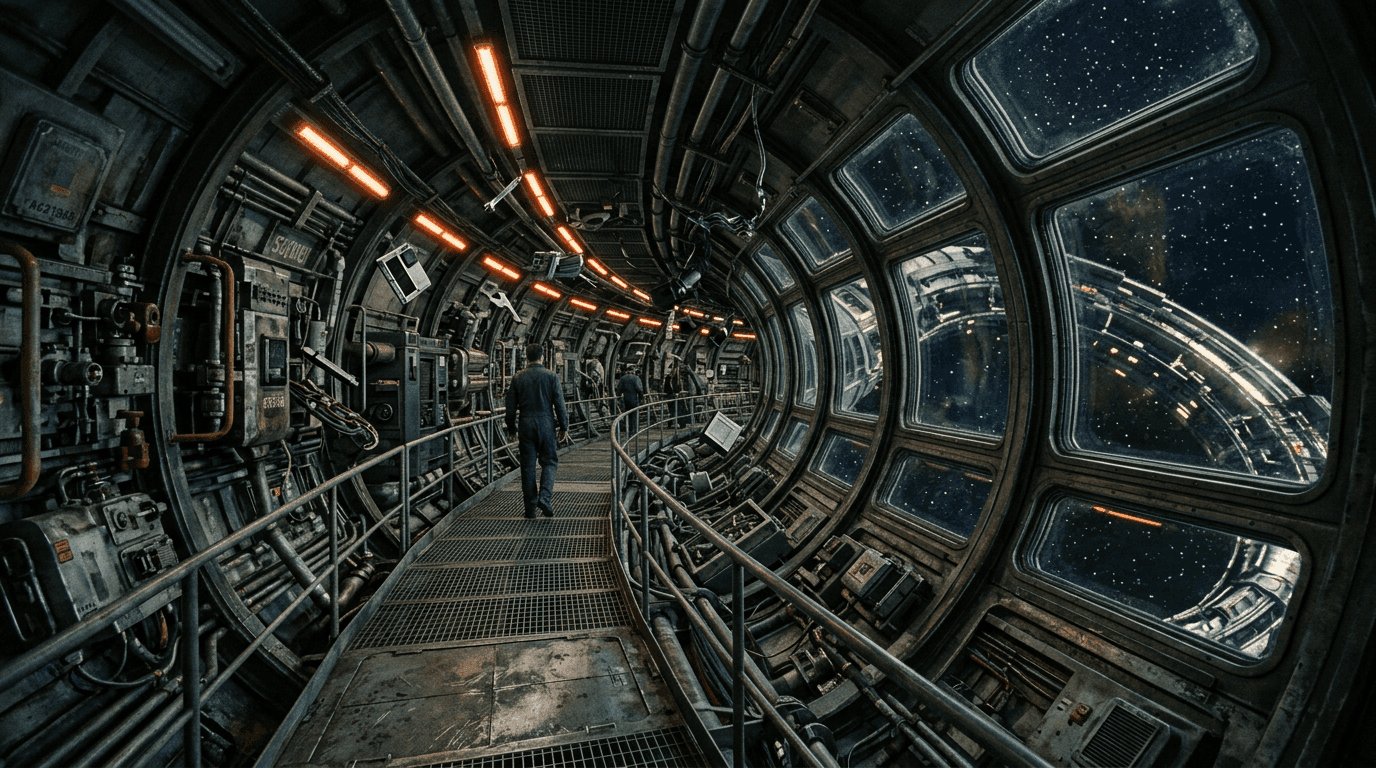

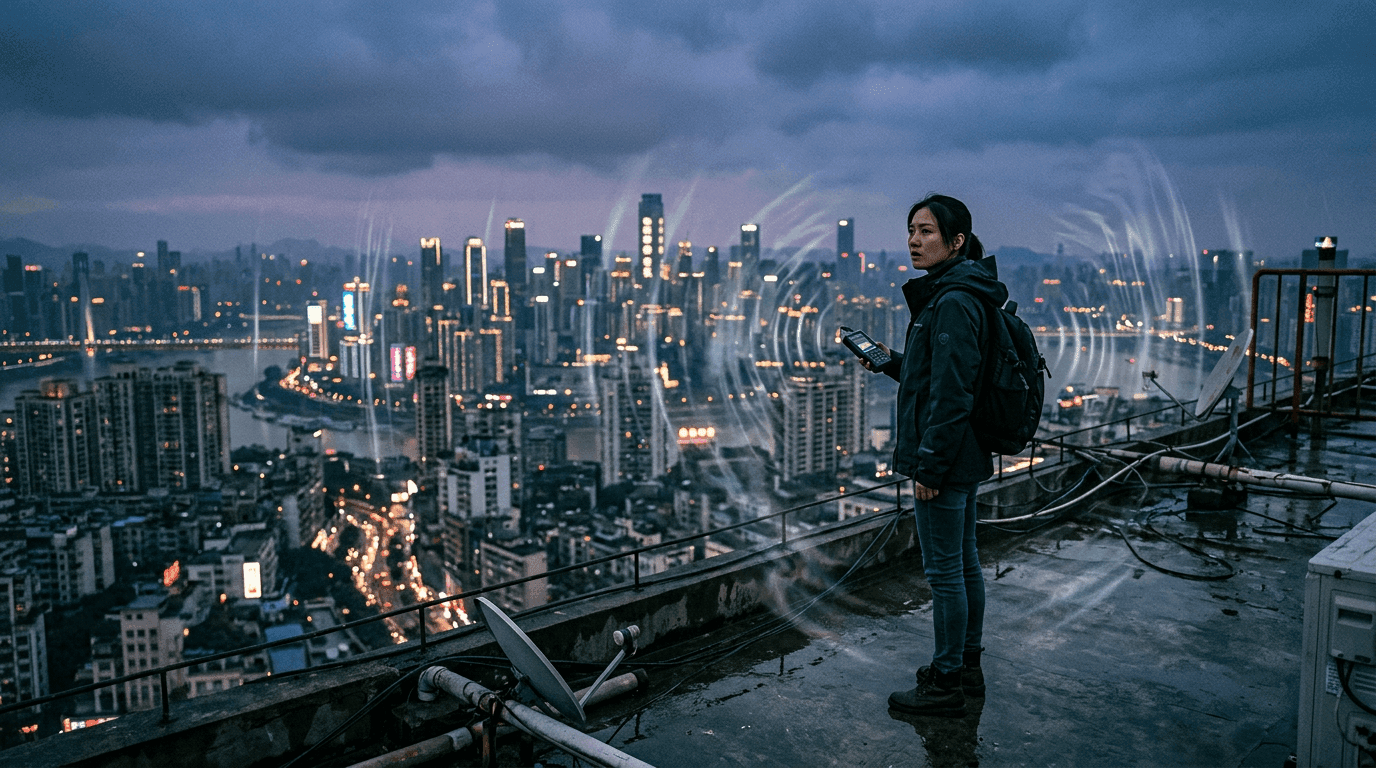



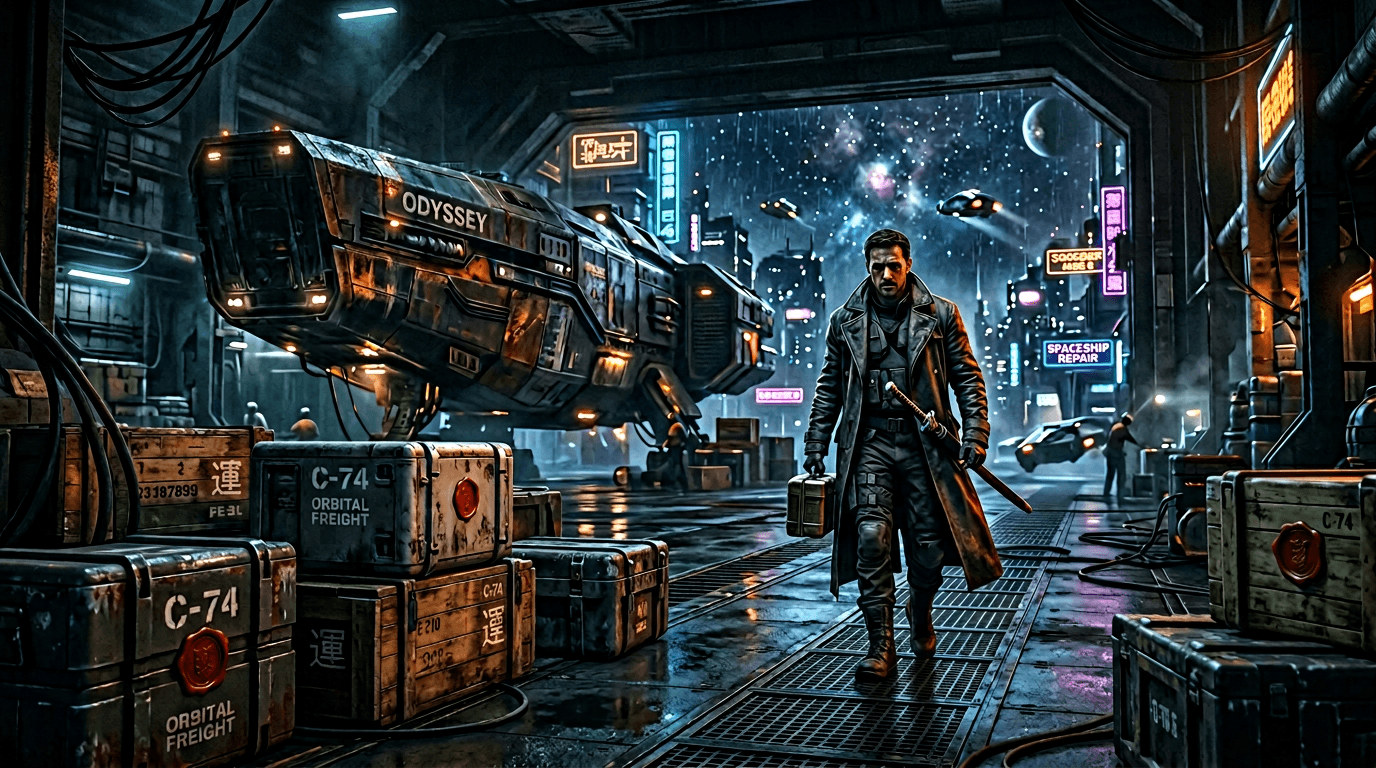


These images show the practical point: inside a coding tool, image generation can become part of content and asset production.
Same-Aspect Comparison: Cover Image
To compare fairly, both images below are 16:9.

The Cursor image feels like something already refined inside a project asset library. The Codex image also has clear subject and lighting. The difference is not whether either side can draw. It is the surrounding workflow: Cursor feels like an asset-production loop; Codex feels more like a prompt-to-result generation step.
Character Concept Comparison
Character images expose details such as face, clothing, material, hands, and background complexity.


The Cursor image feels more like a reusable character asset. The Codex image feels like a fresh concept generated from the prompt. For a long-running project, reusability matters; for style exploration, both are useful.
Another cooler-toned pair:


For me, Cursor’s advantage is not only image quality. It is that asset iteration, prompt changes, file placement, and article editing all happen in the same place.
Codex Cost Framing
In this comparison, Codex used the image generation tool available in the current session. The UI does not expose a precise underlying model name for each call, so I would not attach a fixed internal model name to it.
Public OpenAI image-generation pricing makes API costs more explicit. In the Codex or ChatGPT subscription context, image generation may count against included limits or credits rather than a direct per-image API bill. The important practical difference is that Cursor’s Composer 2 path feels like a tool embedded into a coding subscription workflow, while API image generation has clearer per-image cost accounting.
My Take
If you already use Cursor heavily, its image-generation path is worth trying.
It may not be the strongest image tool in every scenario, and it may not produce the right result on the first attempt. But it has real advantages:
- Low perceived cost in a Composer 2 workflow.
- Project context is nearby.
- Generated images can be placed directly into static asset directories.
- Prompt iteration and article/page editing stay in one workflow.
For content-heavy engineering work, that combination is surprisingly valuable.
References
- Cursor changelog 2.4
- Cursor Composer 2
- Cursor pricing
- Cursor models
- OpenAI Codex pricing
- OpenAI image generation pricing
Follow ZiCode on WeChat
If this post was useful, you can follow later updates on WeChat as well.

X / Twitter
Follow @ax2_zicode
Faster technical notes, short thoughts, and new-post alerts are posted on X.
