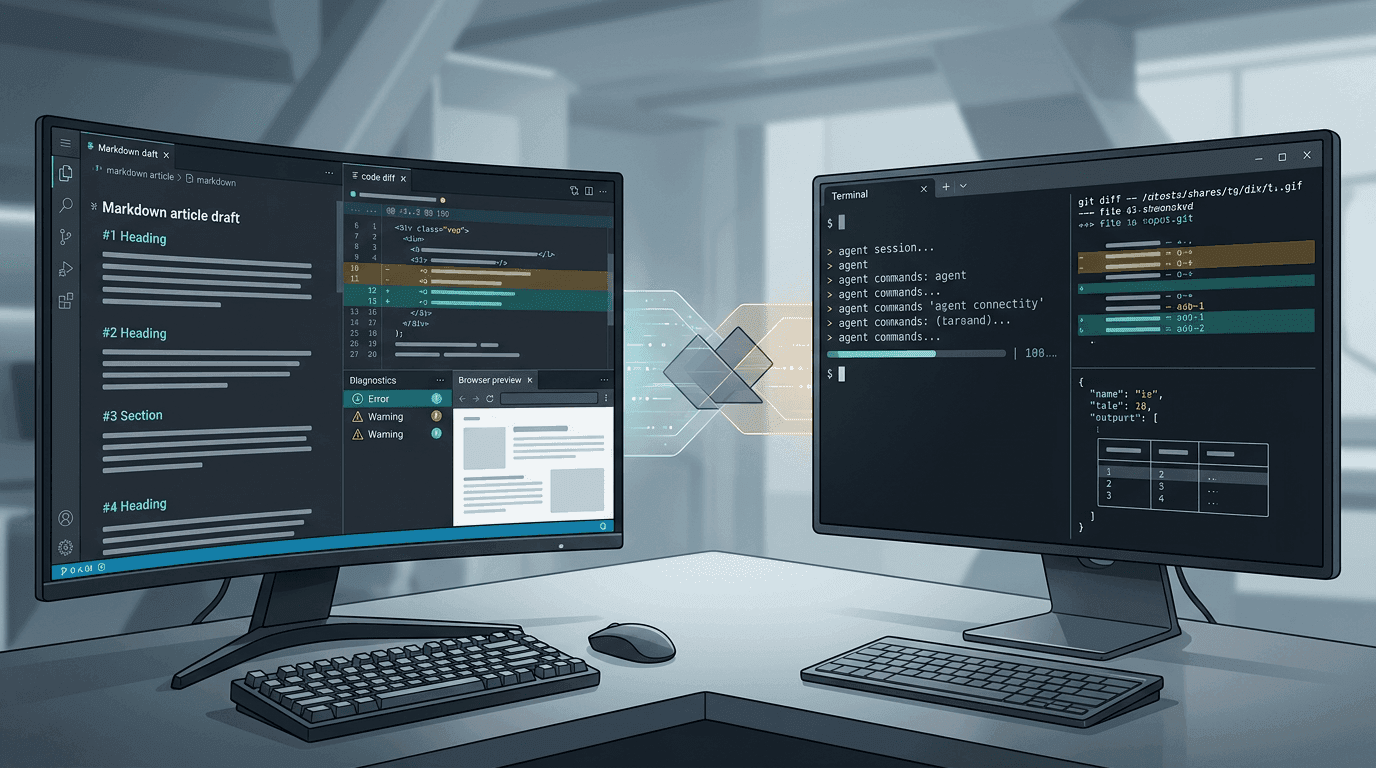
Cursor And Claude Code Should Not Be Compared Like This
Cursor And Claude Code Should Not Be Compared Like This
I often see a neat slogan: “Use Cursor in 2025; use Claude Code in 2026.”
The problem is not that the sentence lacks punch. It has plenty. The problem is that it compresses a workflow question into a succession story: old tool exits, new tool takes over.
I do not buy that framing.
Not because I want to defend Cursor, and not because I dislike Claude Code. I simply think serious tool judgment should survive three tests: real workflow, concrete scenarios, and tool boundaries.
I Object To The Shortcut, Not To Claude Code
Claude Code has a clear product direction. From public docs, it is terminal-first, agent-first, and composable. Features such as claude -p, --resume, --add-dir, --worktree, claude mcp, and remote control make it clear that this is not just a chat box moved into a terminal. It is designed to enter real engineering pipelines.
That path is worth taking seriously.
What I reject is the automatic conclusion: because Claude Code is strong, Cursor must be obsolete; because terminal agents feel more hardcore, IDE workflows must be behind; because everyone is talking about Claude Code, a Cursor-based workflow should be treated as history.
That confuses tool popularity with workflow replacement.
The more important questions are: where does context enter, and where does verification happen? That is where Cursor and Claude Code differ most.
Claude Code Is Strong Because It Is A Different Entry Point
Claude Code’s design treats the terminal as the main interface.
That gives it several native advantages:
- It is close to shell, pipes, scripts,
git,gh, logs, build tools, and test runners. - It treats session resume, worktree parallelism, directory expansion, MCP, permission modes, and remote control as first-class concepts.
- It is centered on the current repository and command environment, not the current editor window.
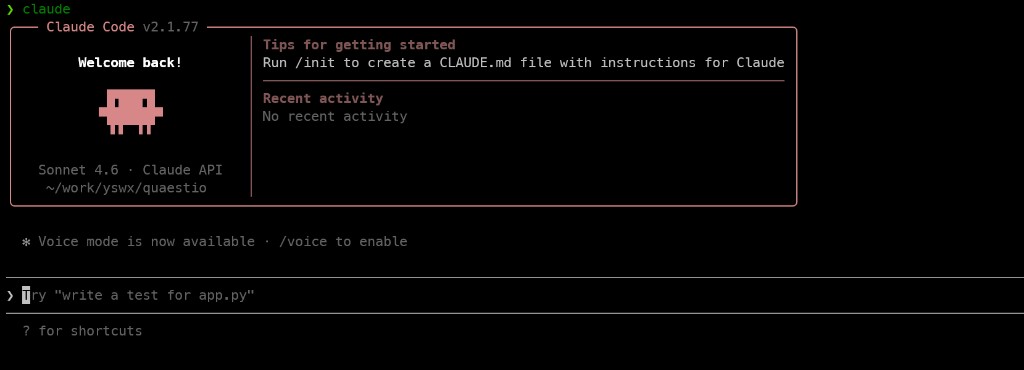
This is especially suitable for:
- Repository-level or wide-scope tasks
- Workflows across multiple directories or worktrees
- Diagnostics that chain
git diff, tests, logs, and scripts - Headless or repeatable automation
- Remote environments, containers, CI, and server-side work
Claude Code is not interesting because it “kills Cursor.” It is interesting because it makes another work entry point solid.
Cursor’s Strengths Are Often Underestimated
If Cursor is reduced to “a chat-enabled IDE,” then a terminal agent looks newer and cleaner. But Cursor’s real value is the way it connects nearby context.
It knows:
- Where the cursor is
- Which files are open
- Which files just changed
- What diagnostics are visible
- What the terminal just ran
- What the browser preview shows
- What previous agent attempts did
These details are ordinary in isolation. Together, they make the development loop tighter.
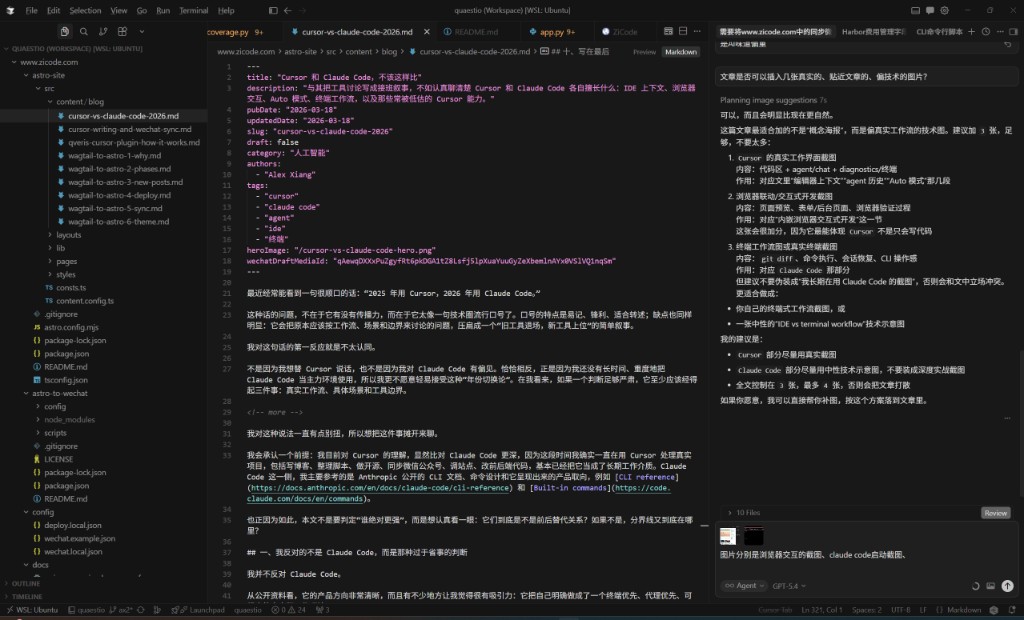
Cursor’s core is not simply “AI inside an IDE.” It is a workspace where local code context, project context, and validation context are close together.
Underused Cursor Capabilities
Agent History As Process Asset
When I use Cursor to write articles, build scripts, open-source tools, and sync content to external platforms, the most valuable material later is not only the final code. It is the agent history:
- How the goal was first described
- Where the process got stuck
- Which approach was abandoned
- How the final solution converged
That makes Cursor not only a production tool but also a review and writing aid.
Editor Context Is More Concrete Than Long Context
“Long context” sounds powerful, but useful context is not simply the longest one. It is the context closest to the current operation.
Cursor often knows what file you are editing, which error is visible, and which page you are trying to validate. That saves the developer from repeatedly explaining the working state.
Browser Interaction Is A Validation Loop
For frontend and full-stack work, the browser is where many bugs reveal themselves:
- Login and registration flows
- Multi-step forms
- Rich text editors
- Uploads, drag-and-drop, hover states, modals, and responsive layouts
- Admin pages coupled with APIs
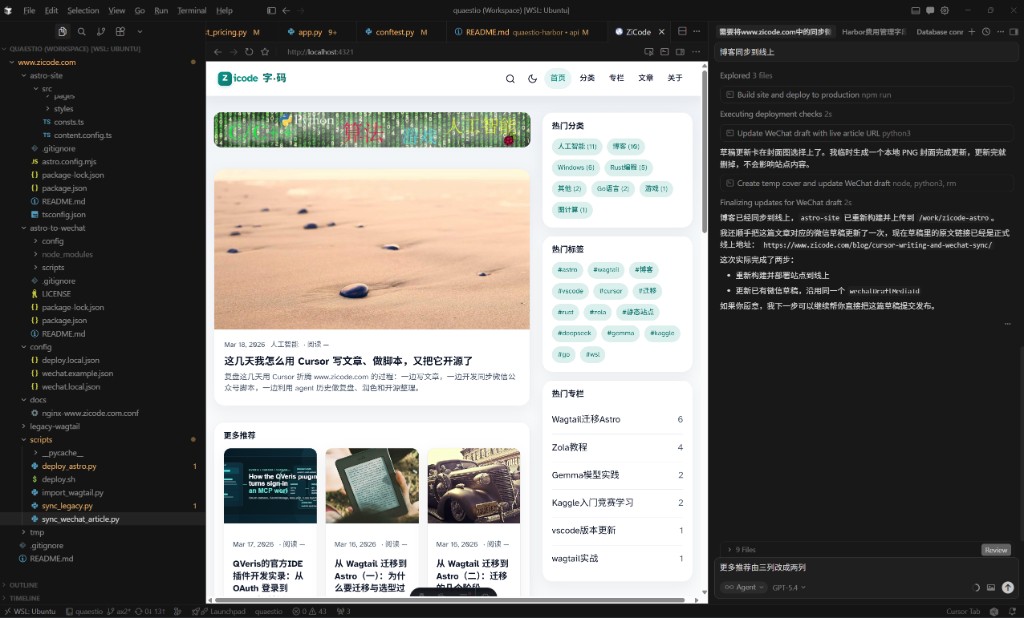
Browser integration matters not because it can open a page, but because it can bring page validation back into the development workflow.
Terminal Inside An IDE Is Not Inferior
Sometimes I do not need a purer terminal. I need terminal output to stay close to the code change, test results to connect back to files, and less window switching after each edit.
An IDE-integrated terminal is not weaker by default. It is optimized for a different loop.
Auto Mode Is Not Magic, But It Is Useful
Cursor’s Auto mode is often misunderstood. It is not a wish machine that always chooses the best model, understands vague goals, decomposes tasks perfectly, and performs consistently.
Its real value is more modest and more useful: for many everyday tasks, it provides a low-friction default routing layer.
Auto works well when:
- The goal is relatively clear.
- The code and validation path are visible.
- Key files are already in context.
- You want to move quickly instead of choosing models carefully.
It struggles when:
- The task is extremely vague.
- The architecture needs long reasoning.
- Two previous attempts already drifted.
- You have not decided what success means.
To get more from Auto, narrow the task first. Ask it to summarize current state, list constraints, then advance one verifiable step. Open key files, place the cursor near relevant code, keep diagnostics visible, and bring the page or preview into the workflow when the problem is visual.
How I Think About The Split
Use Cursor when the task is editor-centered:
- Reading and modifying local code
- Frontend and full-stack validation
- Debugging around diagnostics
- UI behavior and browser checks
- Writing and content workflows tied to project files
Use Claude Code when the task is terminal-centered:
- Repository-wide changes
- Scripts and automation
- Remote machines and containers
- Worktree-heavy workflows
- CI, logs, shell tools, and MCP orchestration
These are not mutually exclusive. They are different doors into the same engineering work.
Closing
The statement “2025 Cursor, 2026 Claude Code” is too tidy to be useful. It turns a workflow decision into a slogan.
Claude Code deserves attention because terminal-native agents matter. Cursor remains valuable because an IDE-centered validation loop matters too.
The right question is not which tool is the new king. The right question is: for this task, where is the context, and where is the shortest verification loop?
Follow ZiCode on WeChat
If this post was useful, you can follow later updates on WeChat as well.

X / Twitter
Follow @ax2_zicode
Faster technical notes, short thoughts, and new-post alerts are posted on X.
