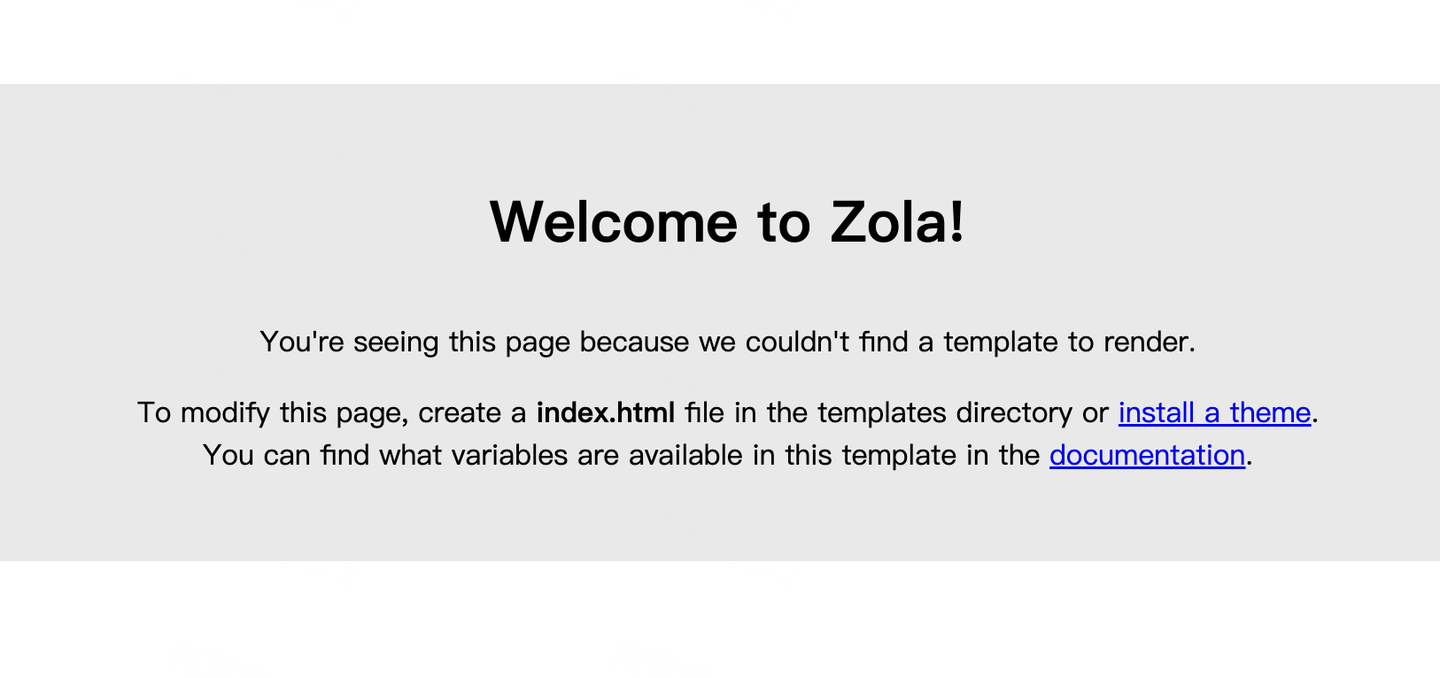
Zola Tutorial 0: Getting Started
Zola Tutorial 0: Getting Started
Introduction
Zola is a static site generator written in Rust. Hugo, written in Go, and Jekyll, written in Ruby, belong to the same category.
With an SSG, a site can be served as static pages without a database. That is good for performance and also convenient for small sites such as blogs once the workflow is familiar.
Zola uses Tera as its template engine. Tera is similar in style to Jinja2, Django templates, Liquid, and Twig. Content is written in CommonMark, a widely used Markdown specification. Zola parses Markdown with the Rust-based pulldown-cmark library.
Installation
macOS:
brew install zolaWindows:
choco install zolaOn Debian, download a suitable .deb package and install it:
sudo dpkg -i zola_<version>_amd64_debian_<debian_version>.debOther distributions have their own installation paths. Refer to the official documentation for the current method.
If you want to study or modify Zola itself, build from source:
git clone https://github.com/getzola/zola.git
cd zola
cargo install --path .
zola --version
The compiled binary is under target/release. Use a recent stable Rust toolchain; older rustc versions may fail because some features are not supported.
Create A Site
Initialize a site:
zola init myblogZola asks a few simple questions:
What is the URL of your site? (https://example.com):
Do you want to enable Sass compilation? [Y/n]:
Do you want to enable syntax highlighting? [y/N]:
Do you want to build a search index of the content? [y/N]:
The generated structure looks like this:
├── config.toml
├── content
├── sass
├── static
├── templates
└── themes
Run the site locally:
cd myblog
zola serve
The local server is available at:
http://127.0.0.1:1111
zola serve is for local development. A production site should still be served by a real web server or static hosting service. Since Zola outputs static files, deployment options are simple and flexible.
Page Template
Before creating content, create templates/base.html:
<!DOCTYPE html>
<html lang="en">
<head>
  <meta charset="utf-8">
  <title>MyBlog</title>
</head>
<body>
  <section class="section">
    <div class="container">
      {% block content %} {% endblock %}
    </div>
  </section>
</body>
</html>
Then create templates/index.html:
{% extends "base.html" %}

{% block content %}
<h1 class="title">
  This is my blog made with Zola.
</h1>
{% endblock content %}
index.html extends base.html. Zola’s template engine is Tera, so the syntax should feel familiar if you have used other template engines.
Content
Zola content is Markdown-based and lives under content. Create a blog directory. This becomes a section. Inside it, create _index.md, which stores section metadata:
+++
title = "List of blog posts"
sort_by = "date"
template = "blog.html"
page_template = "blog-page.html"
+++
sort_by = "date"sorts pages by date.template = "blog.html"tells Zola how to render the section list.page_template = "blog-page.html"tells Zola how to render pages inside the section.
Create templates/blog.html:
{% extends "base.html" %}

{% block content %}
<h1 class="title">{{ section.title }}</h1>
<ul>
  {% for page in section.pages %}
  <li><a href="{{ page.permalink | safe }}">{{ page.title }}</a></li>
  {% endfor %}
</ul>
{% endblock content %}
Create templates/blog-page.html:
{% extends "base.html" %}

{% block content %}
<h1 class="title">{{ page.title }}</h1>
<p class="subtitle"><strong>{{ page.date }}</strong></p>
{{ page.content | safe }}
{% endblock content %}
Run zola serve again. You should see “List of blog posts,” though the list is still empty.
Markdown Pages
Create two Markdown files under content/blog.
first.md:
+++
title = "My first post"
date = 2019-11-27
+++

This is my first blog post.second.md:
+++
title = "My second post"
date = 2019-11-28
+++

This is my second blog post.
Then update the home template with a link:
{% extends "base.html" %}

{% block content %}
<h1 class="title">
  This is my blog made with Zola.
</h1>
<p>Click <a href="{{ get_url(path='@/blog/_index.md') }}">here</a> to see my posts.</p>
{% endblock content %}
After this example, the directory structure is:
├── config.toml
├── content/
│   └── blog/
│       ├── _index.md
│       ├── first.md
│       └── second.md
├── sass/
├── static/
├── templates/
│   ├── base.html
│   ├── blog-page.html
│   ├── blog.html
│   └── index.html
└── themes/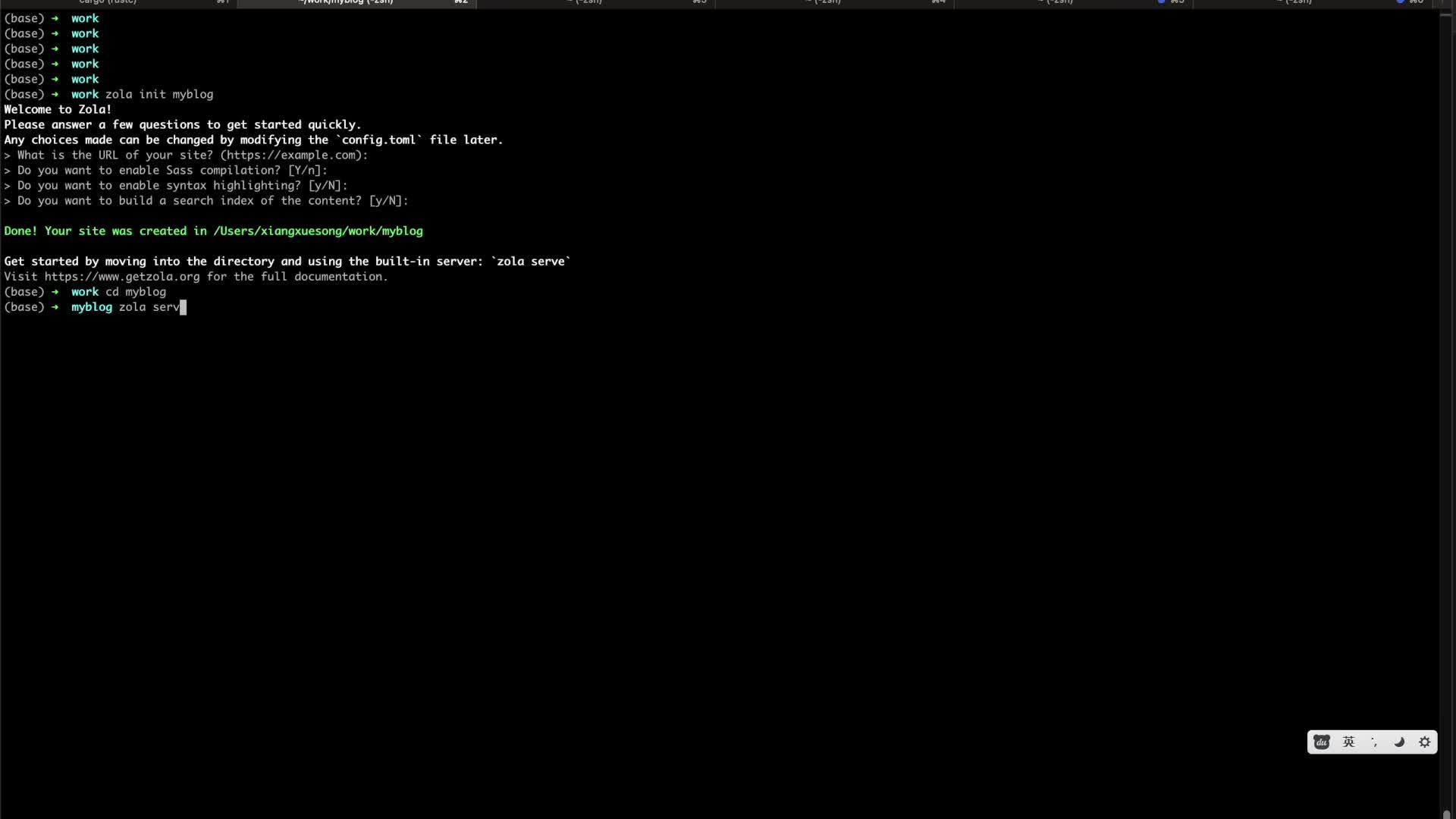
Follow ZiCode on WeChat
If this post was useful, you can follow later updates on WeChat as well.

X / Twitter
Follow @ax2_zicode
Faster technical notes, short thoughts, and new-post alerts are posted on X.
